Calculator User Guide
Here is how the calculator looks like
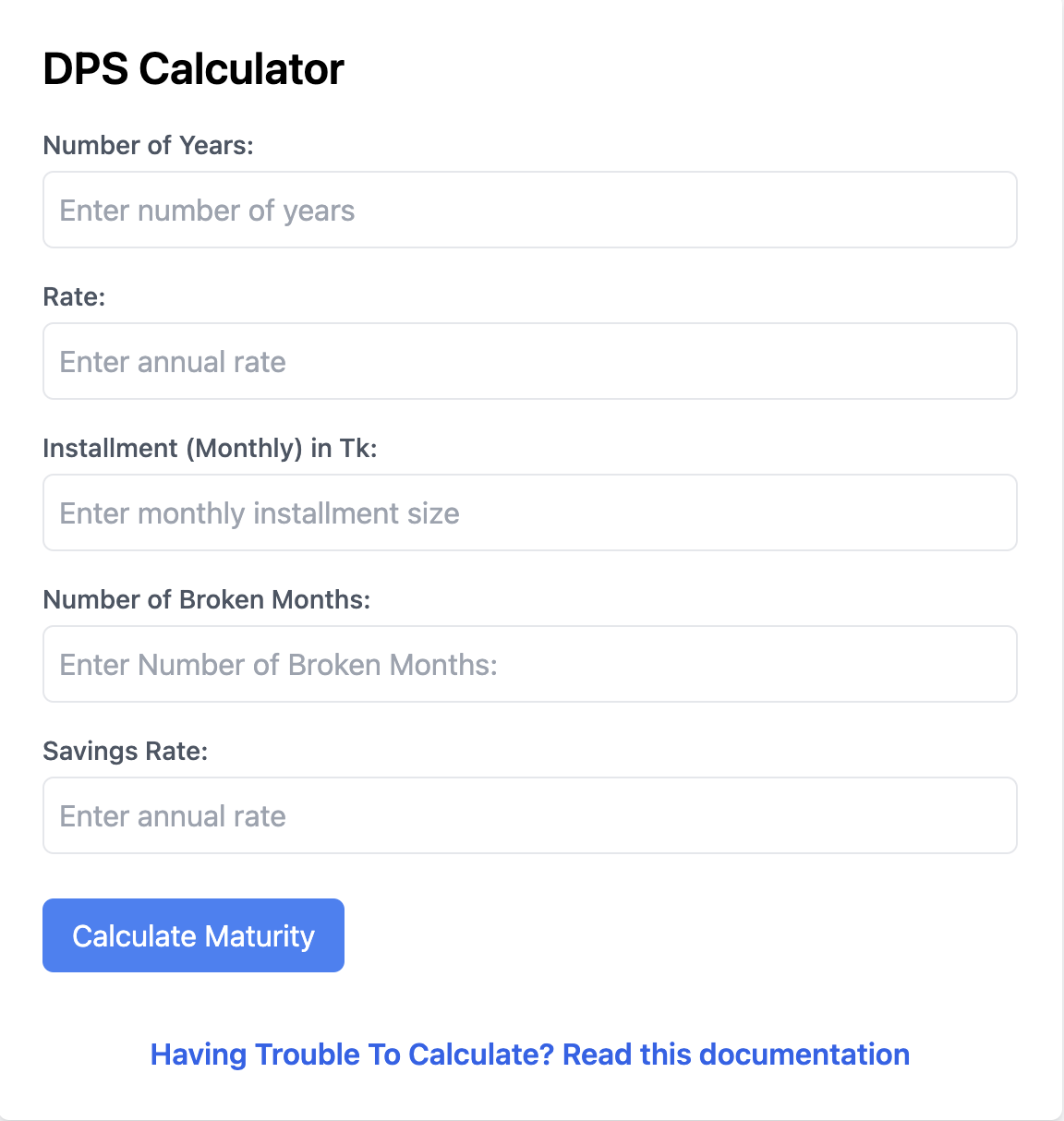
This is the out look of the calculator. And the cases are handled according to the user inputs.
How does the calculator works?
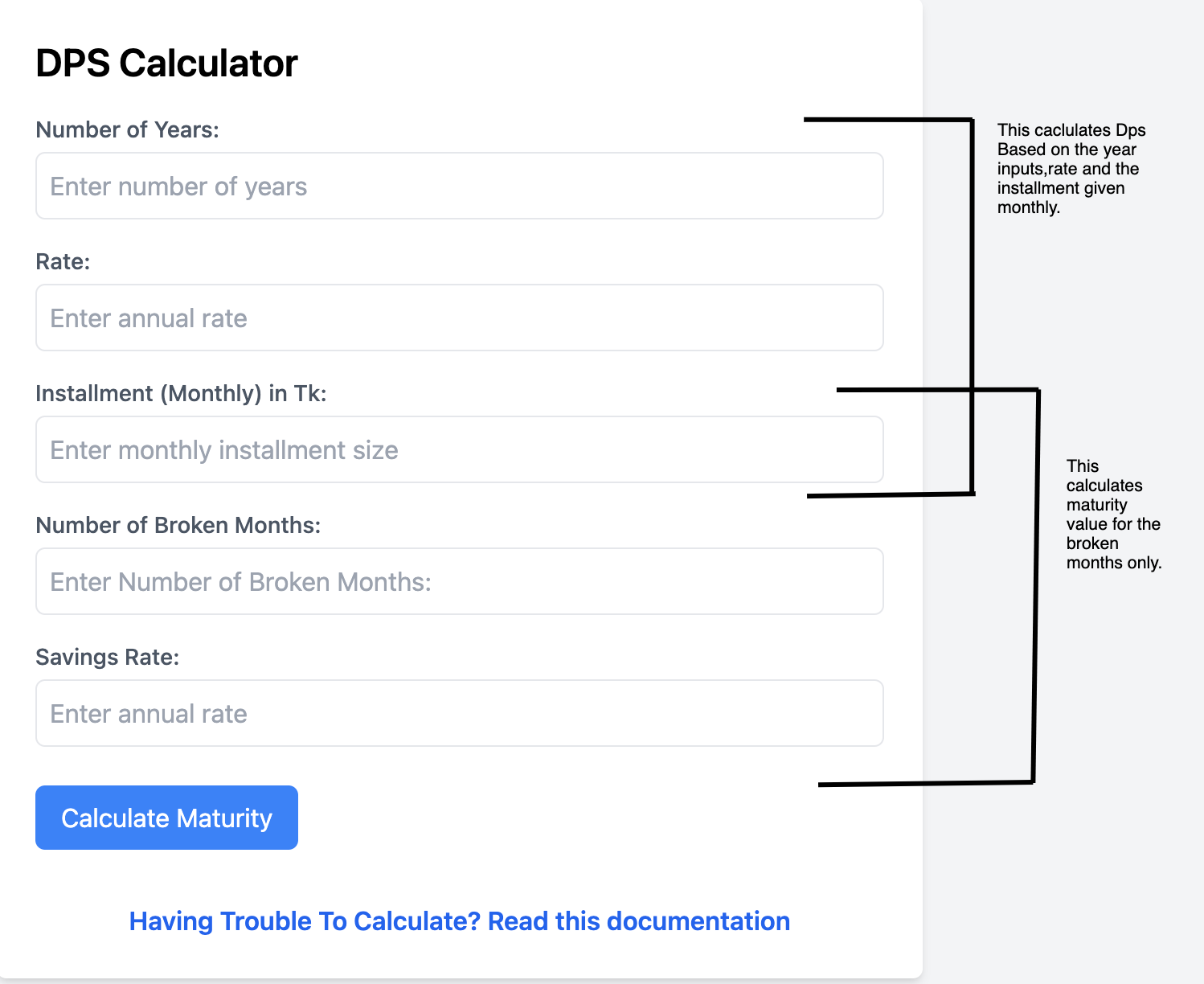
Here above, the general description of the calculator is explained which field calculates the total maturity.
Case-1
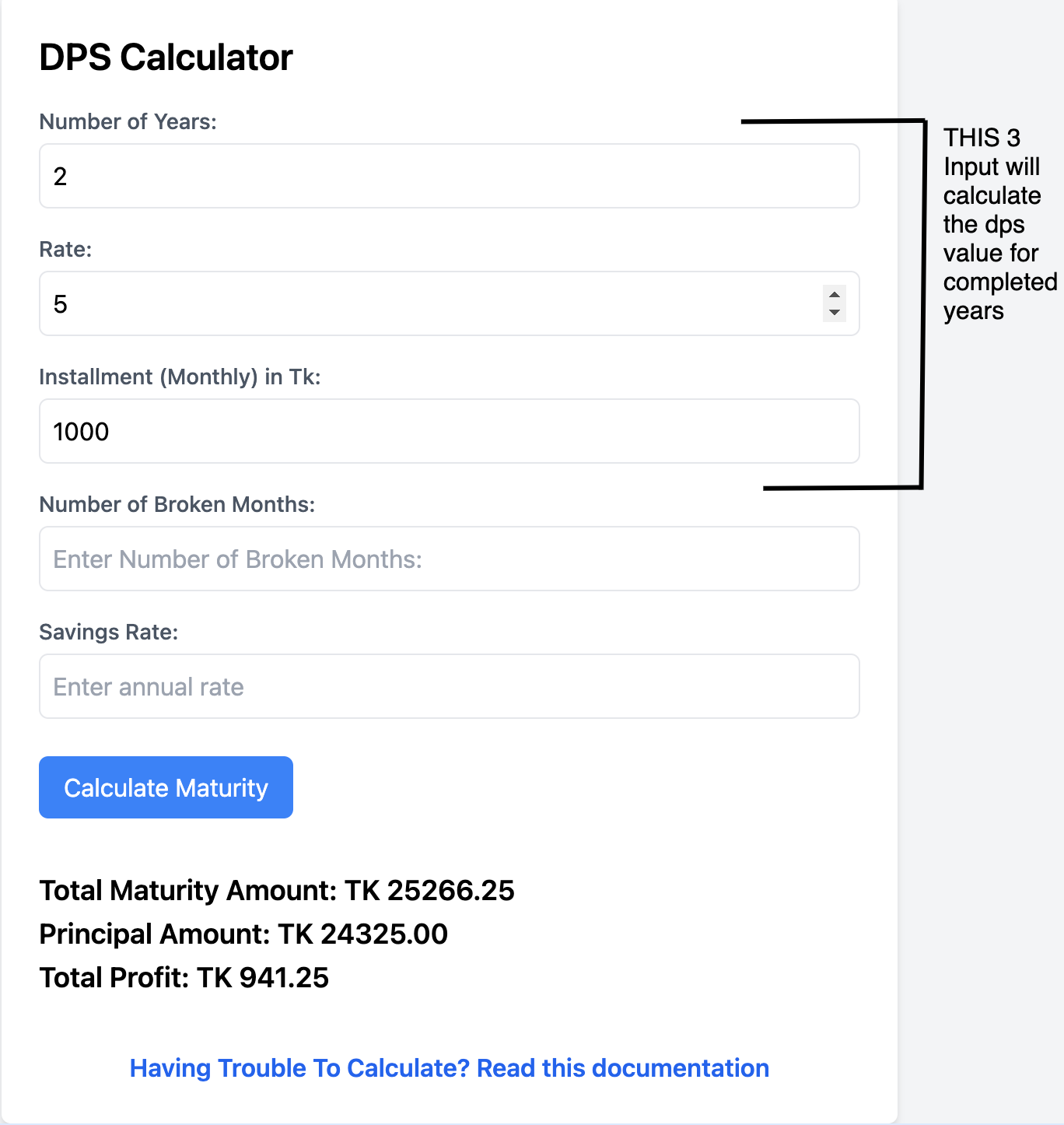
If you want to calculate the DPS value based on the completed year you need to input in this 3 fields and it will calculate accordingly.
Case-2
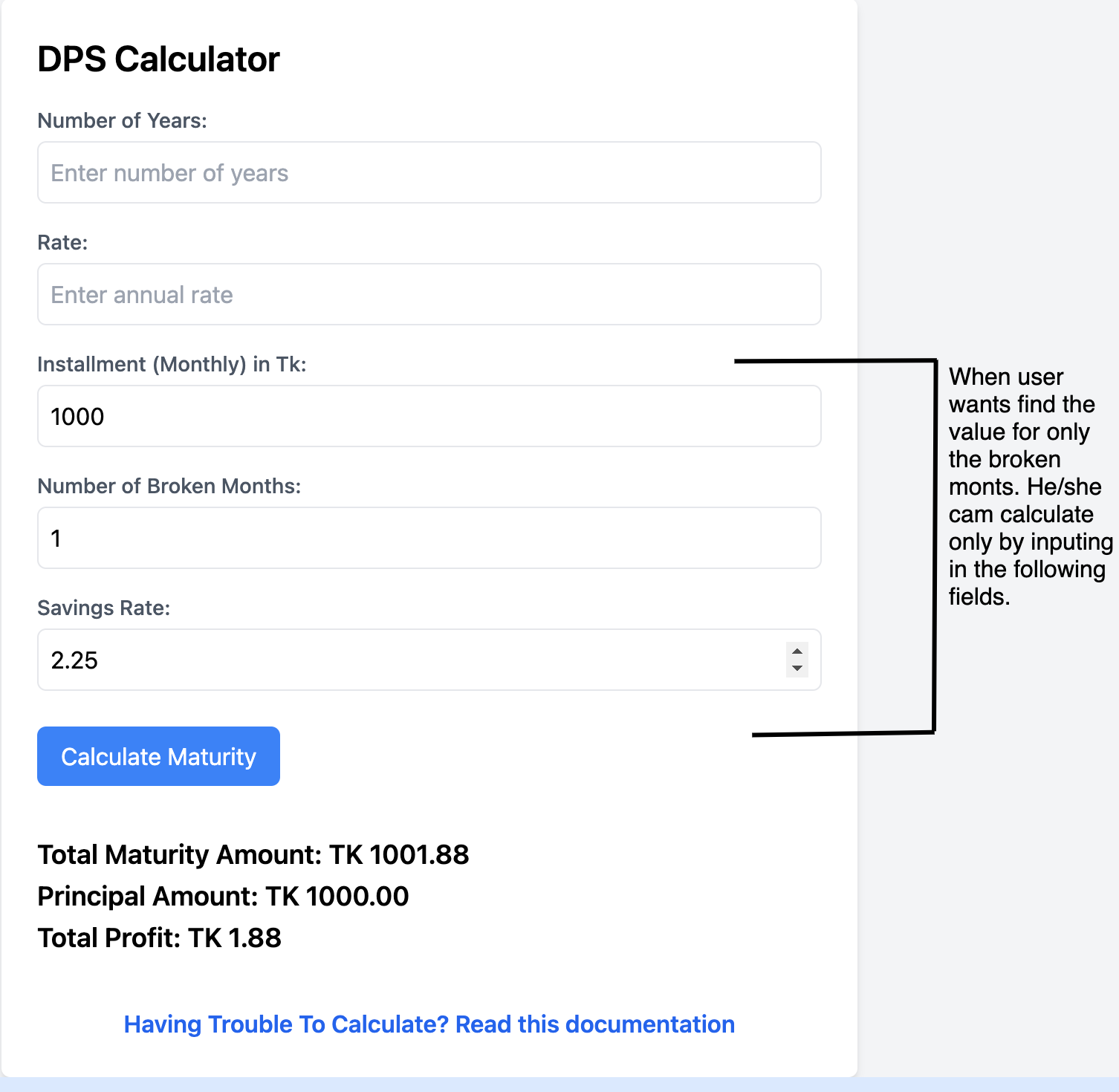
If you want to calculate the value for broken months only then you need to enter input this field.
Complete Case
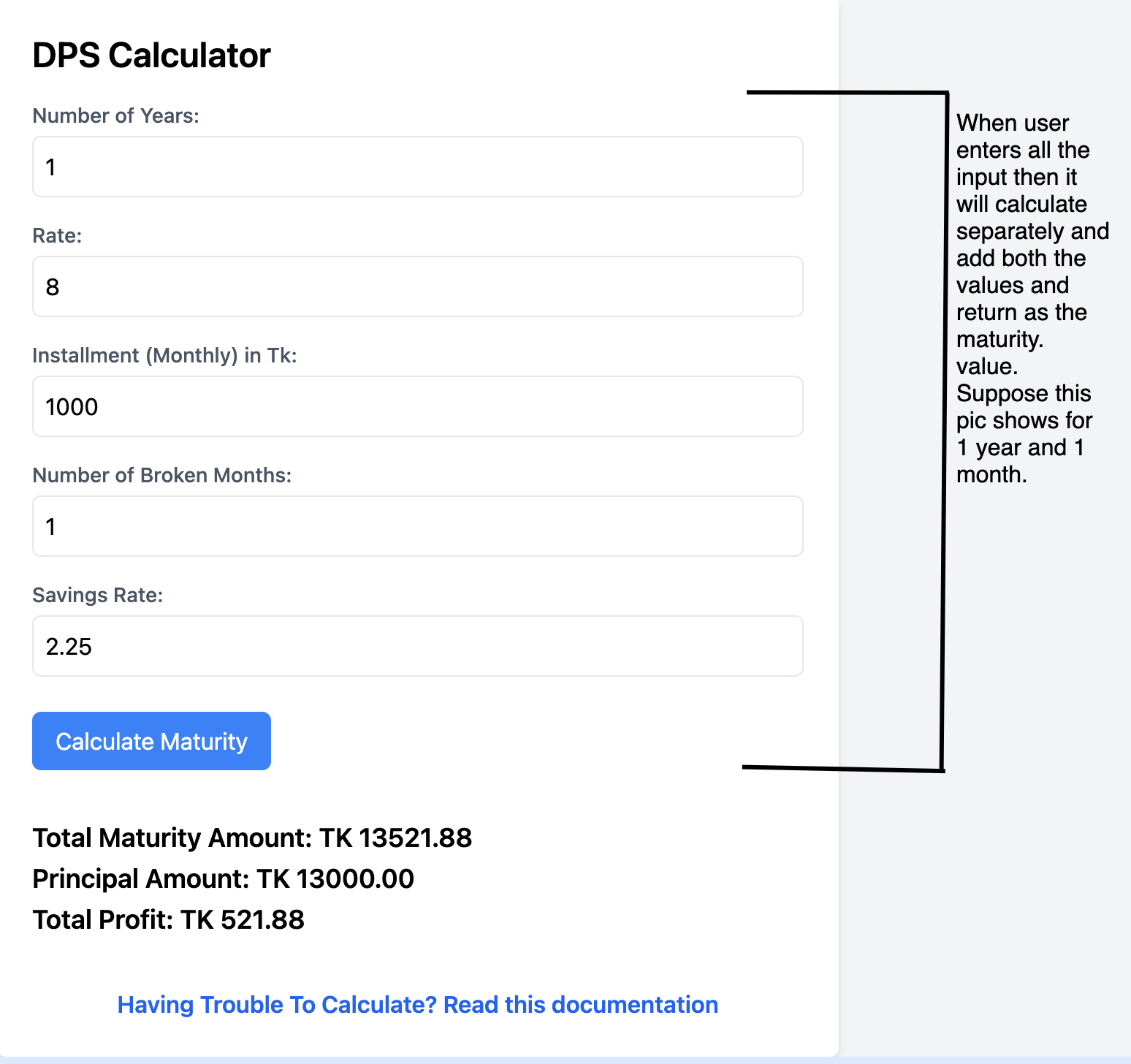
This is for the complete case. If you want to calculate the maturity value for the completed years and broken months you need to give inout in all the fields and it will calculate automatically for you.
Disclaimer!
The Following Calculator was developed using Dhaka Banks rate, scheme and policy do not use this for any other purposes without permission!
- Some exception may occur if the year is 1 year
- If error occurs by any chance contact the Developer @ Developer